UniFi Controller: Dispelling Myths and Choosing the Right Server
We often get questions about the UniFi Controller, especially from SMEs who think they need to install software on their own computer to manage their UniFi devices. Let's bust that myth right away!

UniFi devices, like switches and access points, are centrally controlled by the UniFi Controller. This is software that runs on a server and is accessible via a web interface. So, don't think of it as a local program like Word, but rather as a website you open. Through this web interface, you configure all your UniFi devices at once.
Why a Dedicated Server is Crucial
While you can install the UniFi Controller on your own PC or laptop, we strongly advise against it. Why?
- Performance: The more UniFi devices your network has, the more processing power the Controller needs. A personal computer can quickly become overloaded.
- Stability: The Controller requires a stable network connection and needs to be online continuously. You probably shut down your PC at night, and your laptop isn't always in the same spot. A server is designed to run 24/7.
A small nuance: even if the Controller is offline, your UniFi devices will continue to function. However, you'll miss out on important functionalities, such as collecting statistics and the ability to offer guest Wi-Fi with a captive portal. That's why a dedicated server that's always on is the best choice.
Hardware Requirements: More Than Enough Options
The minimum hardware requirements for a UniFi Controller are quite manageable:
- A 64-bit processor (e.g., an Intel i5 or i7)
- 2 GB of RAM
- 20 GB of storage space
- A 100 Mbps wired network connection
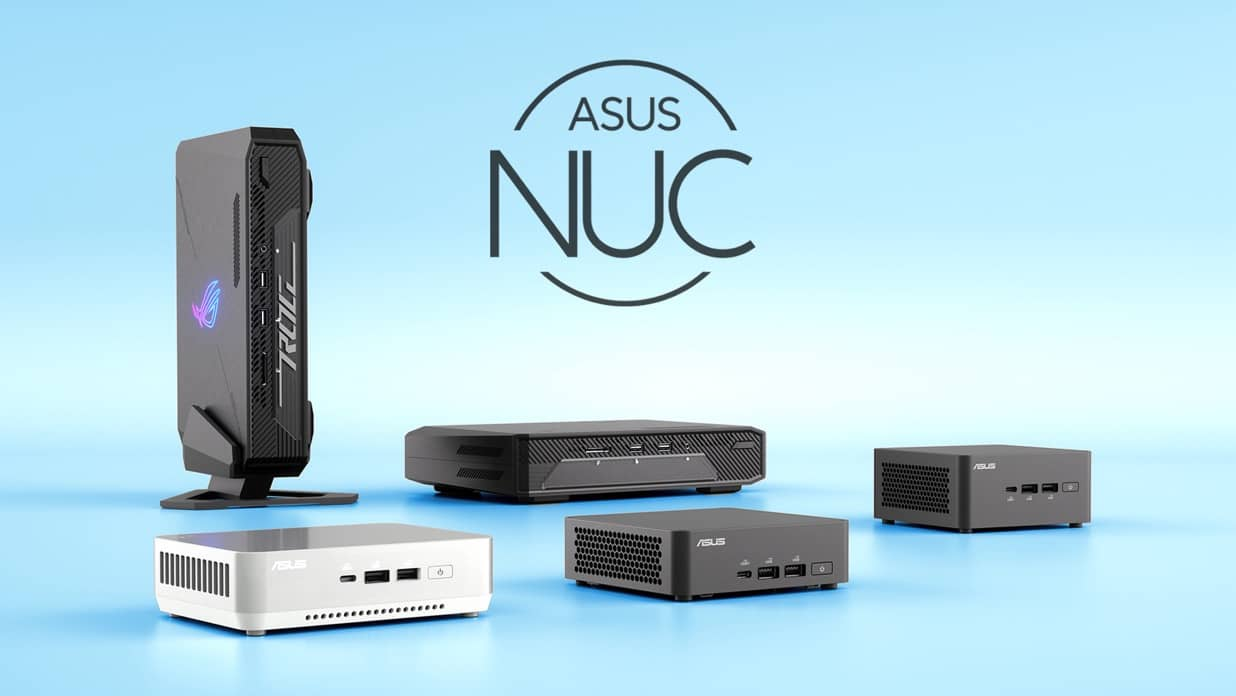
This makes a device like an ASUS NUC Mini PC an excellent, energy-efficient, and affordable option to use as a UniFi server. Just keep in mind: as your UniFi network grows, the hardware demands will increase.
Linux vs. Windows: The Power of Open Source
When people think of servers, they often think of Linux, and for good reason! While the UniFi Controller can be installed on a Windows server, we strongly recommend using a Linux server. The Controller is available for Debian and Ubuntu.
Why Linux is the winner for your UniFi Controller:
- Efficiency: Linux uses significantly fewer system resources (CPU, RAM, storage) than Windows.
- Security: Due to its open-source nature and active community, security vulnerabilities in Linux are quickly discovered and patched.
- Cost: Most Linux distributions are free and open-source. No licensing fees, which is a significant advantage.
In short: for a UniFi Controller, Linux is absolutely the way to go.
Stay Up-to-Date and Back Up!
Ubiquiti regularly releases updates for UniFi (approximately every 1-2 months). These updates include important bug fixes and add new functionalities. It's crucial to:
- Always read the release notes.
- Keep your Controller up-to-date.
- Make daily (or at least weekly) local and external backups. Prevention is always better than cure!